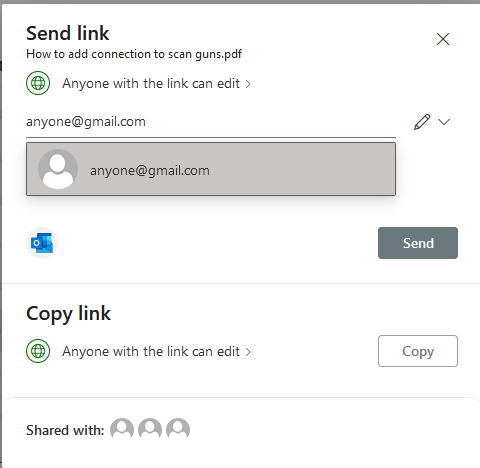
Share a Sharepoint File Externally
Last updated: Jun 08, 2026
192
views

- For Office 365 Instructions, please go to #4.
In your File Explorer, right click the file or folder you want to share and click the Share option.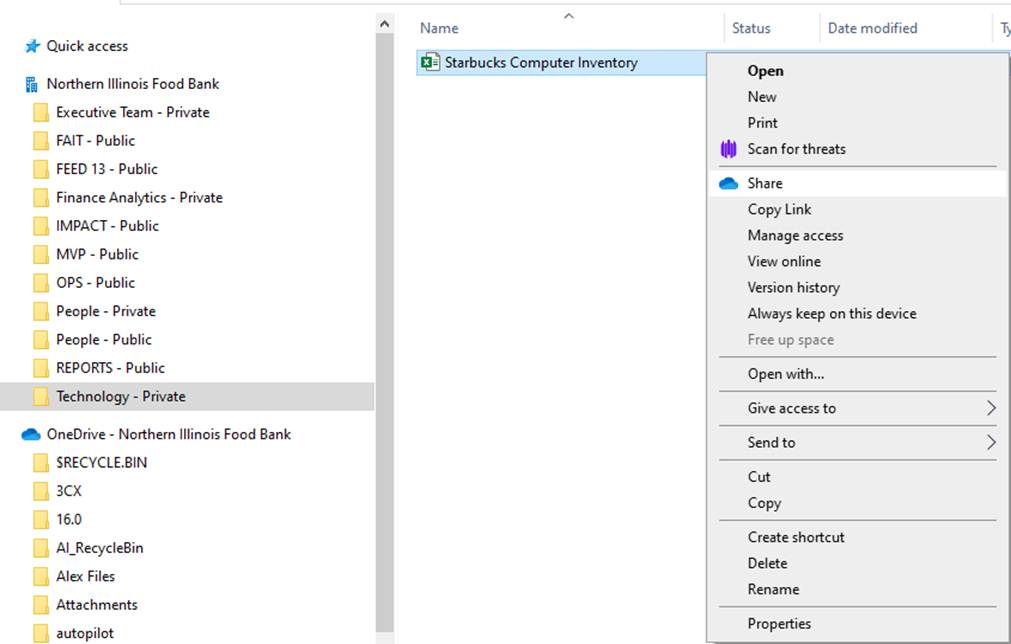
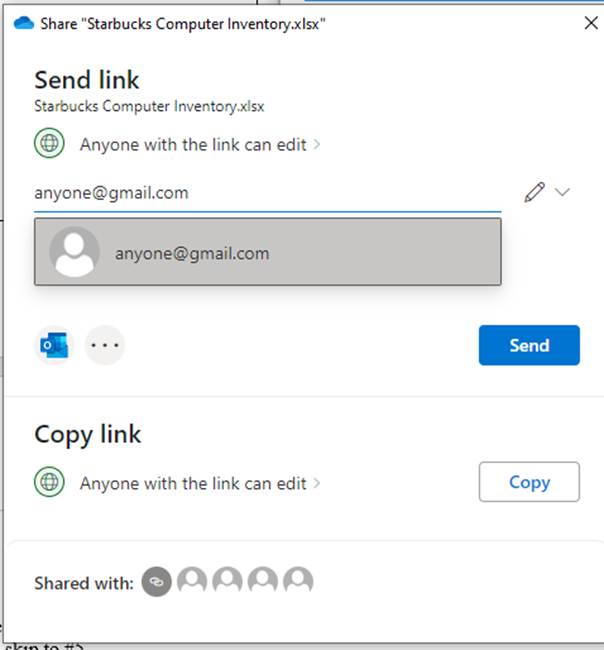
- Next, you can choose the drop-down boxes and choose what you want. The default settings are on “Anyone with the link can edit.”
|
|
|
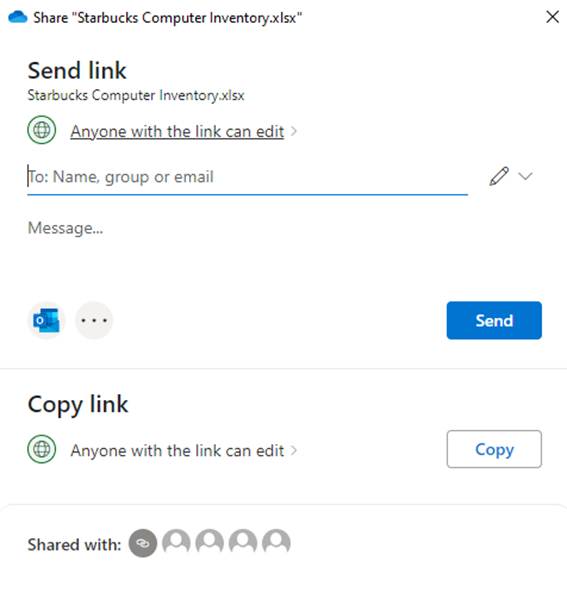
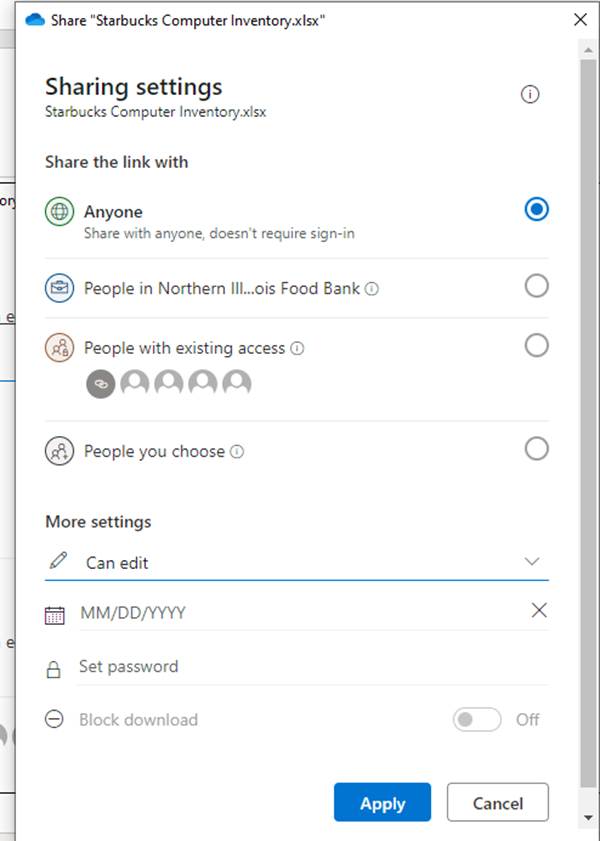
- To share the file or folder, enter the email address in the box and click the Send button.
- To share a file or folder in Office 365, log into your account at https://www.office.com and go to your SharePoint page. On that page, you can go to any file or folder, click the on the round radio button and click share at the top.
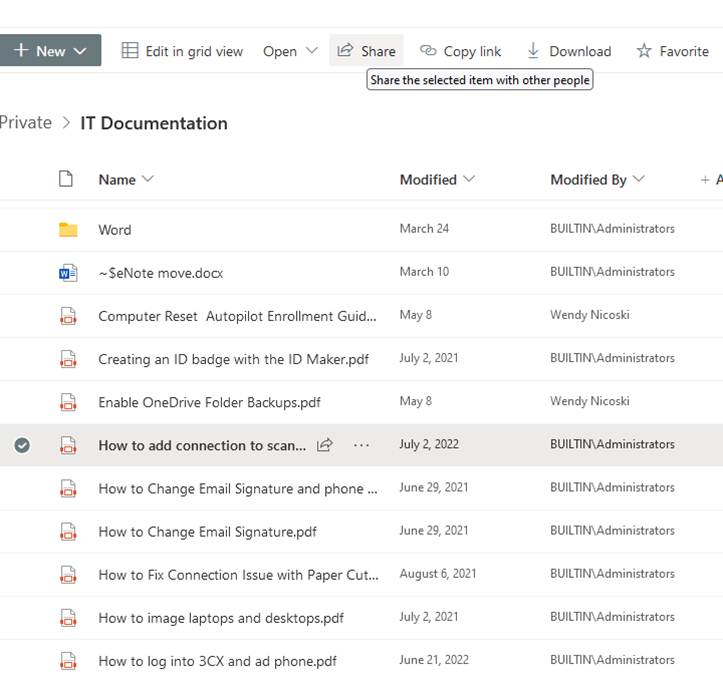
- Then, enter an email address and click Send.